Can AI Do Pencil Drawing?
Yes — AI can create pencil drawings. AI pencil sketch generators produce hand-drawn-looking results two ways: by converting a photo into a pencil sketch, or by generating one from a text description. They analyze edges, tones, and textures, then apply pencil shading and crosshatching — usually in under 30 seconds, free, and with no drawing skills required.
See AI Pencil Drawing in Action
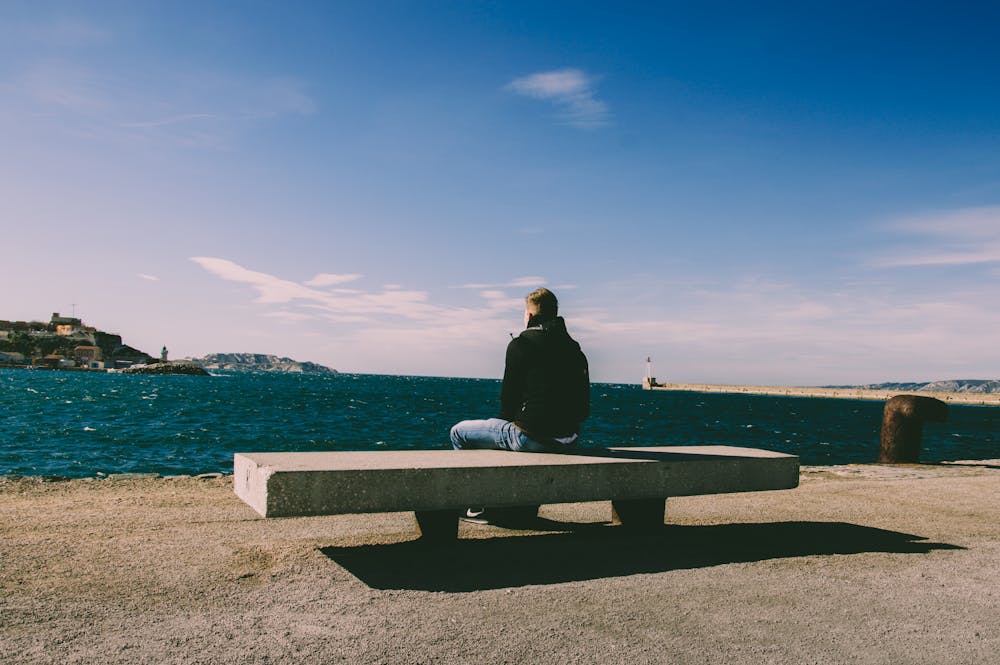
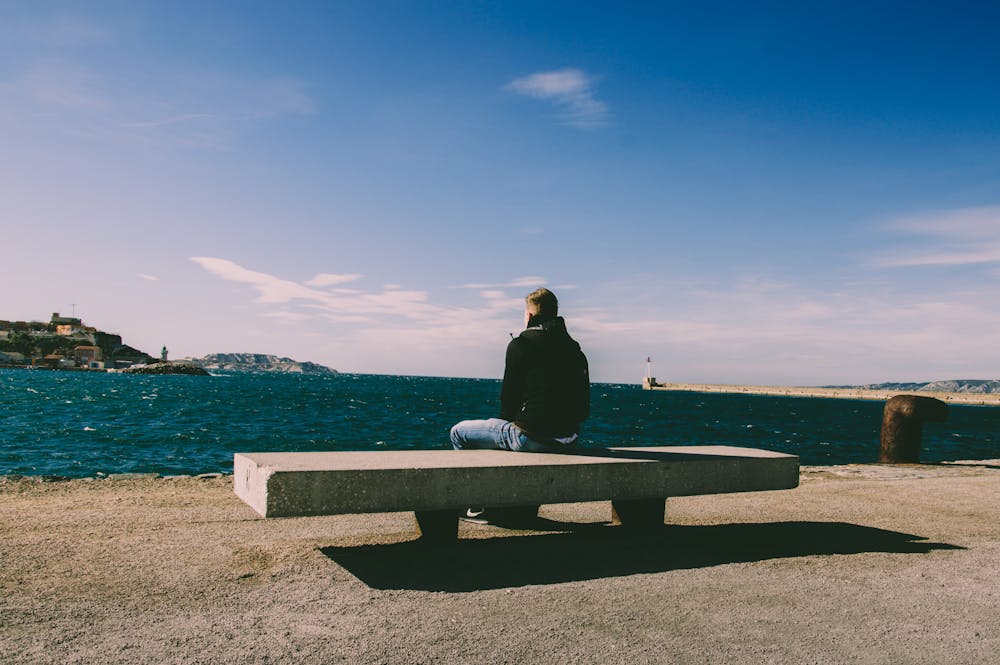
How Does AI Make a Pencil Drawing?
AI pencil drawing tools are trained on large collections of images paired with real sketches, so they learn what pencil work actually looks like — where lines go dark, where shading fades, and how crosshatching builds up texture. There are two ways to use them:
Photo to pencil sketch
Upload a picture and the AI detects its edges, contrast, and tones, then redraws it as a pencil sketch while keeping the subject recognizable. Best for portraits, pets, and photos you want to artify.
Text to pencil sketch
Describe what you want — “a pencil sketch of a mountain cabin at dawn” — and the AI generates an original drawing from scratch. Best when you have an idea but no source photo.
What Pencil Styles Can AI Draw?
Modern AI can imitate a wide range of traditional drawing styles, including:
- Graphite pencil
- Charcoal
- Line art
- Crosshatching
- Pencil portraits
- Colored pencil
What Can’t AI Do (Yet)?
AI pencil drawing is fast, cheap, and consistent, and it needs no artistic skill — which makes it ideal for ideas, mockups, gifts, and social posts. It is less reliable at deliberate composition, perfectly accurate hands and text, and the singular personal style a trained artist develops over years. Think of AI as a powerful starting point: it gets you a convincing pencil sketch in seconds, which you can use as-is or refine by hand.
Frequently Asked Questions
Can AI turn a photo into a pencil sketch?
Yes. Upload any photo and the AI analyzes its edges, tones, and textures, then redraws it as a pencil sketch in seconds. Portraits, pets, and landscapes all work well, and you can download the result in high resolution.
Can AI turn a sketch into a finished drawing?
Yes. AI can take a rough sketch or a text idea and render it as a more detailed pencil drawing. It fills in shading, line weight, and crosshatching, though the final look depends on the clarity of your input.
Is AI pencil drawing free?
Yes. You can create AI pencil drawings free every day with a free account — no software to install and no signup fees. Premium unlocks more daily generations and priority processing for heavy users.
Do I need drawing skills to use it?
No. That is the point of an AI pencil sketch generator — you describe what you want or upload a photo, and the AI handles the shading and linework. No artistic training or design software is required.
How does AI make a pencil sketch — from a photo or from text?
Both. Photo-to-sketch converts an existing image into a sketch, while text-to-sketch generates a brand-new pencil drawing from a written prompt. You can use whichever fits your project.
Is AI pencil art as good as hand-drawn art?
AI is fast, consistent, and great for ideas, mockups, gifts, and social posts. A skilled human artist still has the edge on intentional composition and one-of-a-kind style, but for most everyday uses AI results are convincing and more than good enough.
Can I use AI pencil drawings commercially?
Yes. Images you generate are royalty-free, so you can use them for personal and commercial projects without copyright worries.
Try AI Pencil Drawing for Free
See it for yourself — turn a photo into a pencil sketch, or generate one from a few words. Free daily creations, no software to download.